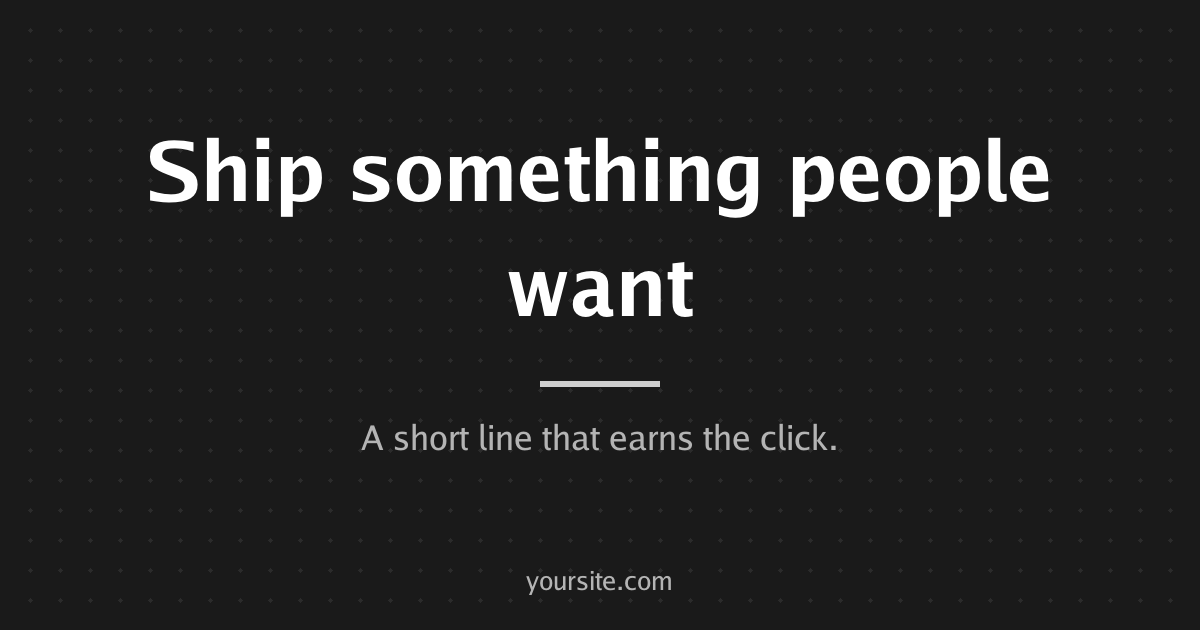
About the og image generator
Make the 1200x630 image that appears when your link is shared on X, LinkedIn, Slack or iMessage. Type a title, an optional description and site name, pick a theme and background pattern, and either download the PNG or copy an image URL you can put straight into your og:image tag. Images are rendered on our server.
How to use it
- Type your title; it shrinks to fit, up to three lines.
- Add a description and site name if you want them on the card.
- Choose a theme and a background pattern and check the preview.
- Press Download PNG, or Copy image URL to hotlink it.
- Copy the ready-made og:image tag into your page's head.
Questions
- What size should an OG image be?
- 1200x630 pixels, a 1.91:1 ratio. It is the size X, LinkedIn, Facebook and Slack use for large link previews.
- How do I add an OG image to my website?
- Add <meta property='og:image' content='https://...'> inside your page's head, using an absolute https URL. Also set twitter:card to summary_large_image for the large card on X.
- Can I hotlink the image instead of hosting it myself?
- Yes. The copied URL renders the card from its parameters. Hosting the downloaded PNG yourself keeps it under your control if you prefer.
- Why is my OG image not updating when I share the link?
- Platforms cache link previews. Change the image URL, for example by adding a query parameter, or use the platform's own refresh tool to make it fetch again.